

More than £50 million was lost last year to scams where victims are tricked into handing over control of their computer or smartphone to criminals.
New data from Action Fraud, the national reporting centre for fraud and cybercrime, reveals that 20,144 people fell victim to scams where they were persuaded to grant criminals remote access to their device.
Victims reported losing a total of £57,790,384 – an average loss of £2,868 per victim.
What are remote access scams?
Remote Access scams will often begin with a browser pop-up saying that your computer is infected with a virus, or maybe a call from someone claiming to be from your bank saying that they need to connect to your computer in order to cancel a fraudulent transaction on your account. Regardless of the narrative the fraudster’s use, their goal is to steal your money or access your financial information by tricking you into allowing them to remotely connect to your computer.
Detective Chief Inspector Craig Mullish, from the City of London Police, said:
"While remote access tools are safe when used legitimately, we want the public to be aware that they can be misused by criminals to perpetrate fraud. We often see criminals posing as legitimate businesses in order to trick people into handing over control of their computer or smartphone.
“You should only install software or grant remote access to your computer if you’re asked by someone you know and trust, such as a friend or family member, and never as a result of an unsolicited call, browser pop-up or text message.”
How to protect yourself
- Only install software or grant remote access to your computer if you’re asked by someone you know and trust, such as a friend or family member, and never as a result of an unsolicited call, browser pop up, or text message.
- Remember, a bank or service provider will never contact you out of the blue requesting remote access to your device.
- If you believe your laptop, PC, tablet or phone has been infected with a virus or some other type of malware, follow the NCSC’s guidance on recovering an infected device.
- Protect your money by contacting your bank immediately on a different device from the one the scammer contacted you on.
- Report it to Action Fraud on 0300 123 2040 or via actionfraud.police.uk. If you are in Scotland, please report to Police Scotland directly by calling 101.
 Continued parking chaos at Wrexham Maelor Hospital
 Residents invited to have their say on draft Transformation Strategy
 Family of "beautiful" son who died following Chester collision pay tribute
 Chester and Wirral Football League - Weekend Round Up
 Back to the Future event to be held at Picturehouse Cinema
 Children and families in Cheshire to benefit from new Child Focused Courts approach
 Residents invited to help shape the future of Whitby Park
 WREXHAM COMMUNITY THEATRE COMPANY RETURNS WITH BRAND NEW SHOW IN TIME FOR HALLOWEEN
 Blues Match Report: Lower Breck 1 - 2 Chester
 Appeal for information following serious collision in Chester
 Parents warn of “catastrophic tragedy” as school transport cuts leave 11-year-olds stranded on the A41
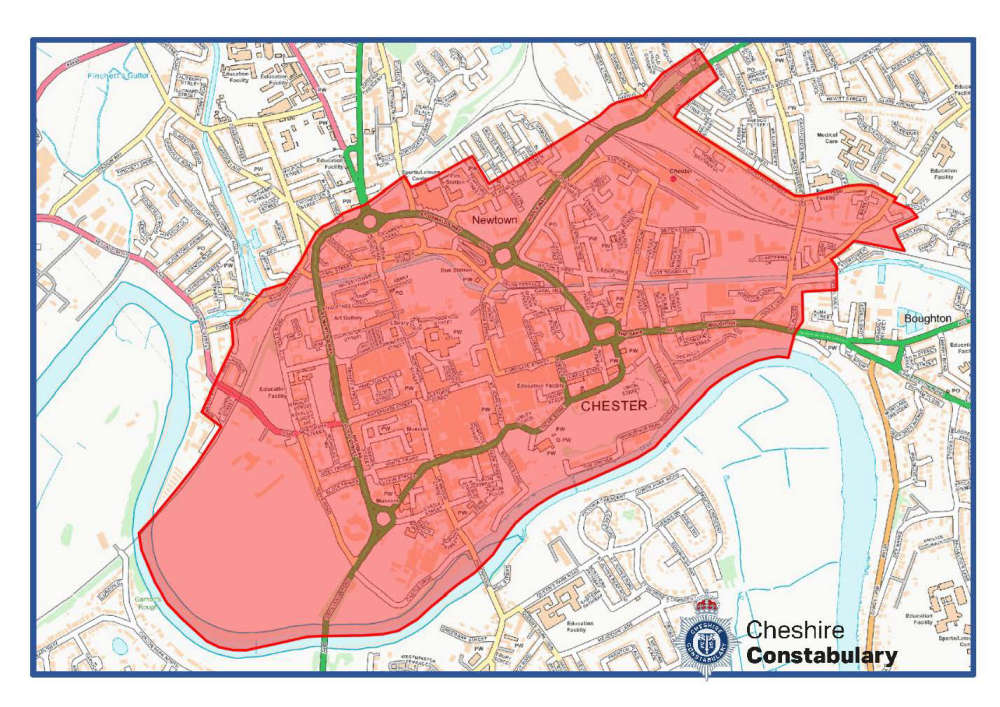 Live Facial Recognition technology to be deployed in Chester this weekend
 Road to reopen as part of town centre
 £1 bus travel launched for young people across Cheshire West and Chester
 Peak Cluster carbon capture and pipeline project in Cheshire West and Chester
 Officers out in force in Blacon for Operation Decisive
 Neighbourhood Plan and Neighbourhood Development Order finalised for Blacon
Comments
Add a comment